
Modern Touch Free Technology
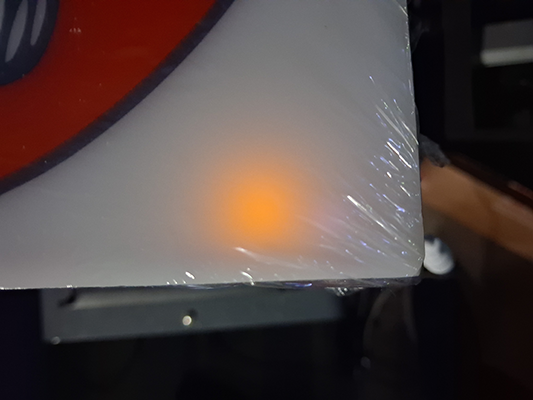
Many of our new 5v DC and 12v DC lightboxes are conveniently controlled with with touch free switches. Check your lightbox to find out. Your lightbox might have a small orange or blue glowing🔆 LED when it is plugged in but not illuminated. Wave your hand within 1 - 2 inches of the glowing LED and the lightbox will turn on.
IF: A or B (see table below)
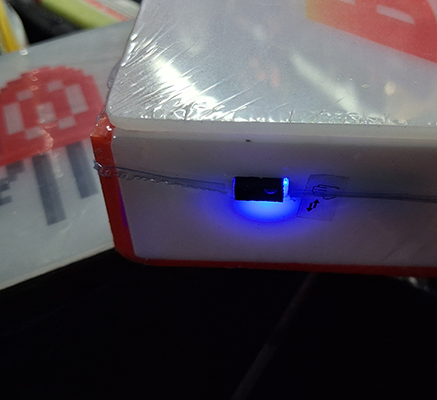
A: Your lightbox has a blue glowing LED when it is plugged in but not illuminated
B: Your lightbox has an orange glowing LED
|
A = Blue Glow 🌎
|
B = Orange Glow 🌐
|
 |
 |
 |
 |
Your lightbox might have a small orange or blue glowing led when it is plugged in but not illuminated. Wave your hand within 1 - 2 inches of the orange glow and the lightbox will turn on.
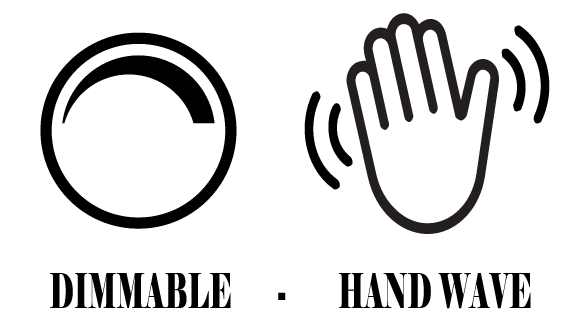
A & B: To turn on or off Wave hand over glowing led
B: To raise or lower the brightness: When the lightbox is illuminated hold hand steady over spot where orange glow was. Result: Lightbox will slowly become brighter or more dim. To reverse: Move hand off sensor for 1 - 2 seconds then replace steady hand over sensor area.
C: Some lightboxes with the blue glowing led are dimmable. It should be noted in the sale page.